Why Every Restaurant Needs a Kitchen Display System
How KDS transforms kitchen efficiency and reduces errors
Why Every Restaurant Needs a Kitchen Display System
Paper tickets get lost, smudged, and misread. A Kitchen Display System (KDS) eliminates these problems entirely, replacing chaos with a clear, color-coded workflow that every kitchen team member can follow at a glance.
Instant Order Delivery
Orders appear on the kitchen screen the moment they're confirmed by the waiter. No walking to the kitchen, no shouting orders across the pass. The ticket arrives instantly, complete with table number, guest count, and any special notes.
This alone saves minutes per order during peak service — and those minutes add up. Over a dinner rush of 100 covers, you could recover 30+ minutes of wasted communication time.
Color-Coded Stations
Each kitchen station has its own color. Grill is red, cold station is blue, pastry is gold. Chefs instantly see which dishes are theirs and which belong to other stations without reading every ticket in full.
The visual hierarchy makes it possible to scan a board of 15 tickets and immediately identify the 4 that need your attention.
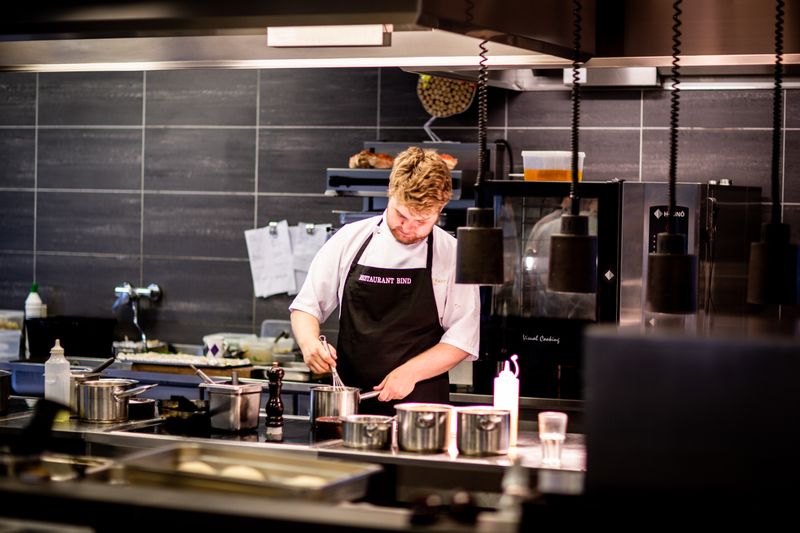
Course Timing
The system manages course timing automatically. Second courses don't start preparation until the waiter signals that first courses have been served. This prevents:
- Cold food waiting on the pass
- Guests receiving their main before finishing starters
- Kitchen overloading during peak times
The pause between courses is configurable — set it to 5 minutes, 10 minutes, or let waiters trigger it manually.
Touch-Friendly Interface
Swipe a dish to mark it ready. No need to tap tiny buttons with gloved or flour-covered hands. The interface works on any touch device — from a mounted POS display to a tablet propped up on the line.
Real-Time Visibility for Managers
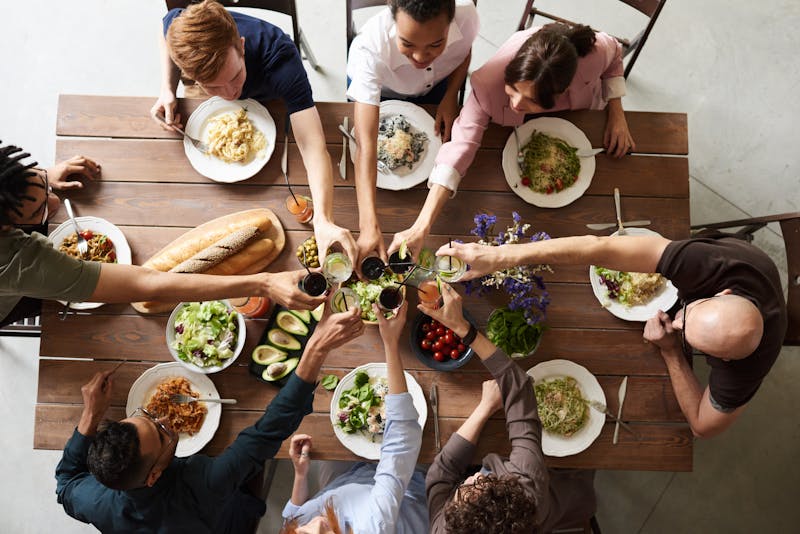
Managers see every active ticket across all stations from a single screen. If a dish is running late, they know before the guest does. This proactive approach to service management turns potential complaints into seamless dining experiences.
Getting Started
Setting up a KDS doesn't require specialized hardware. Any tablet, monitor, or all-in-one POS with a web browser can serve as a kitchen display. FoodCore works on Chrome, Safari, and Edge — no installation required.